Web Reporting
Download Now Request a demo
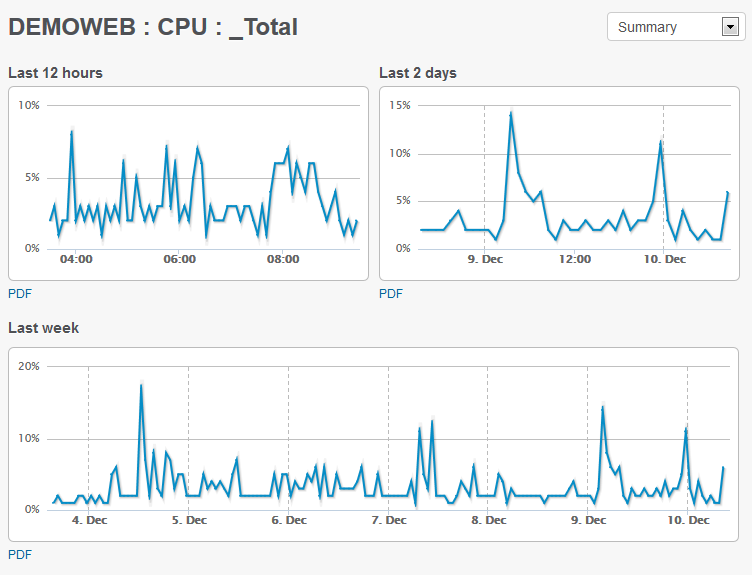


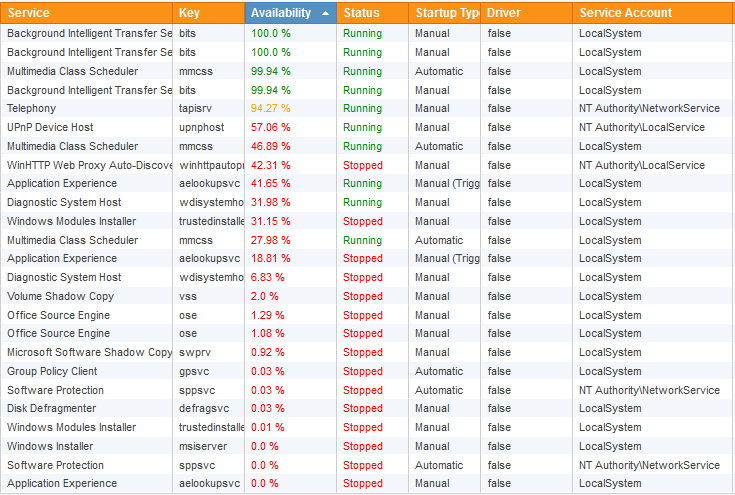

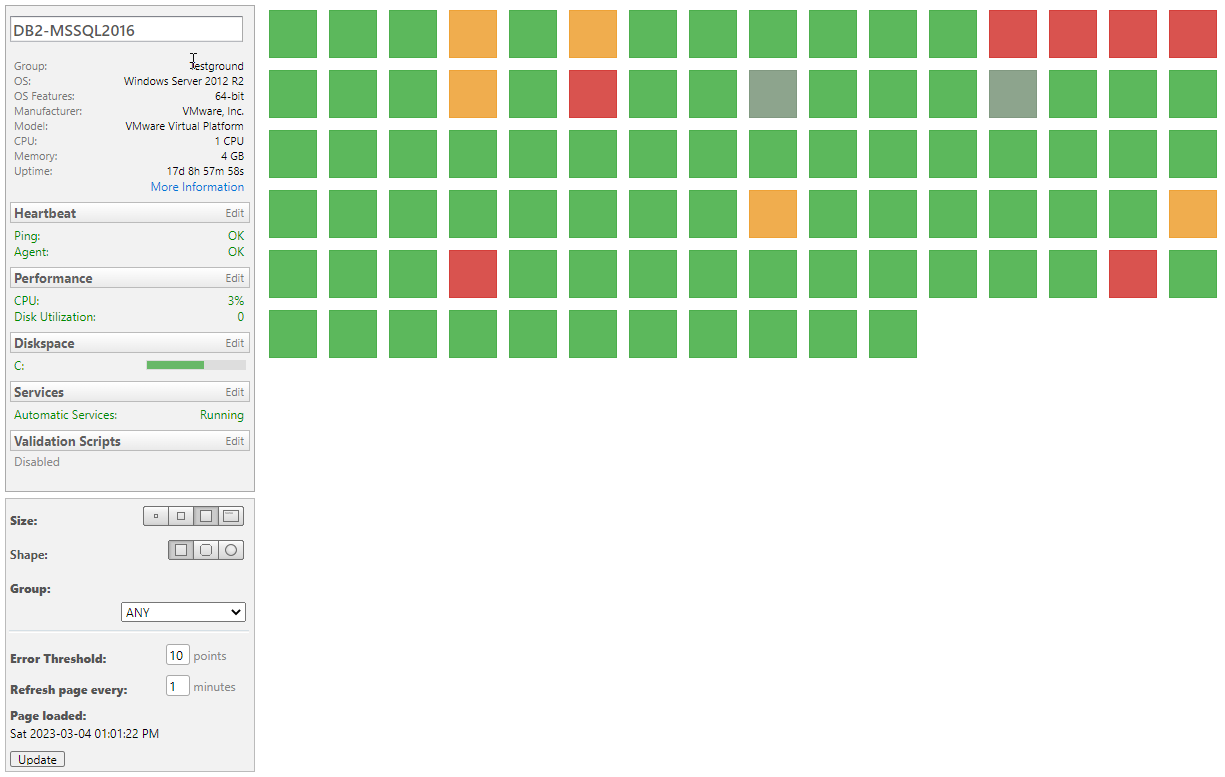
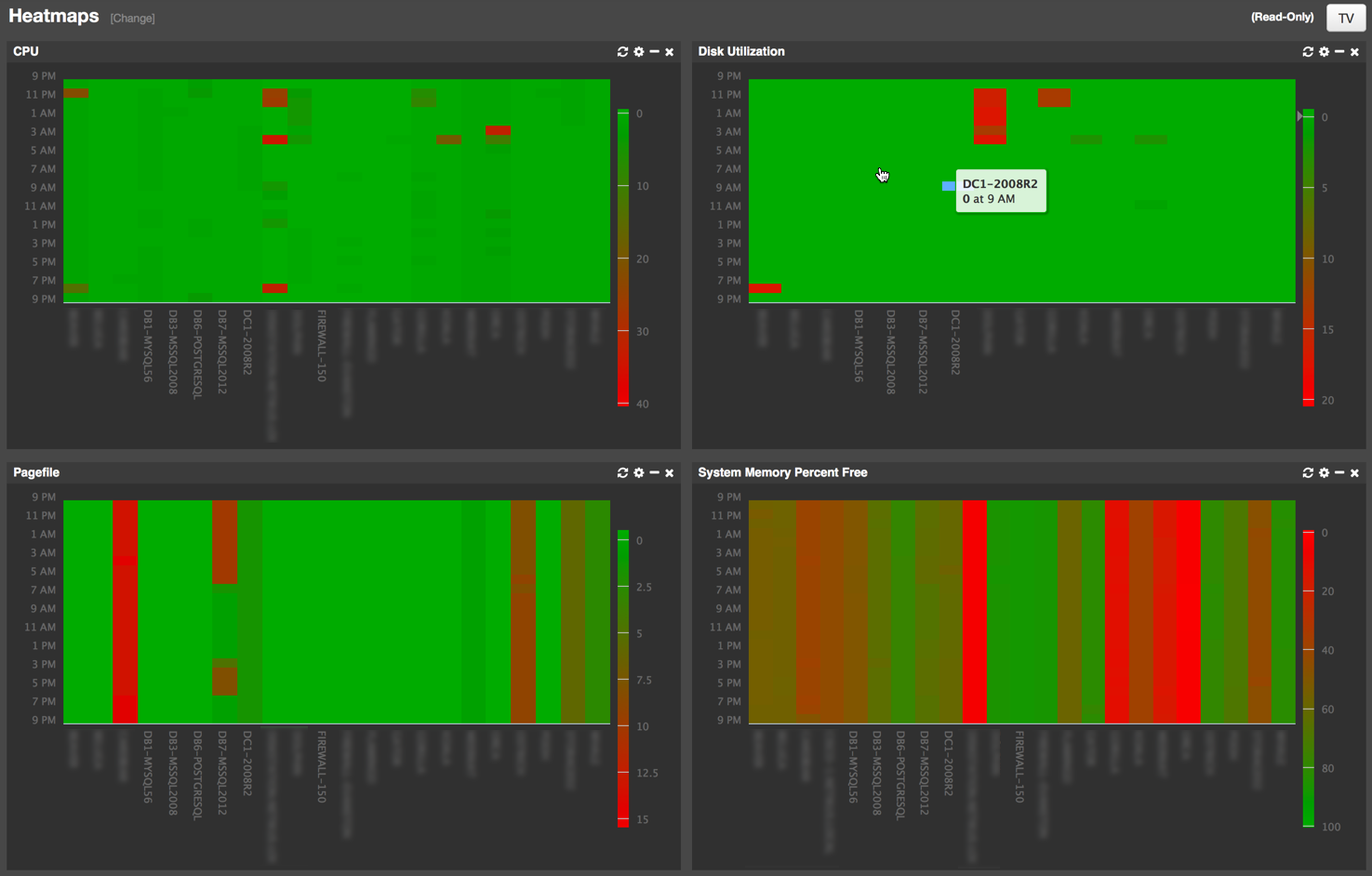
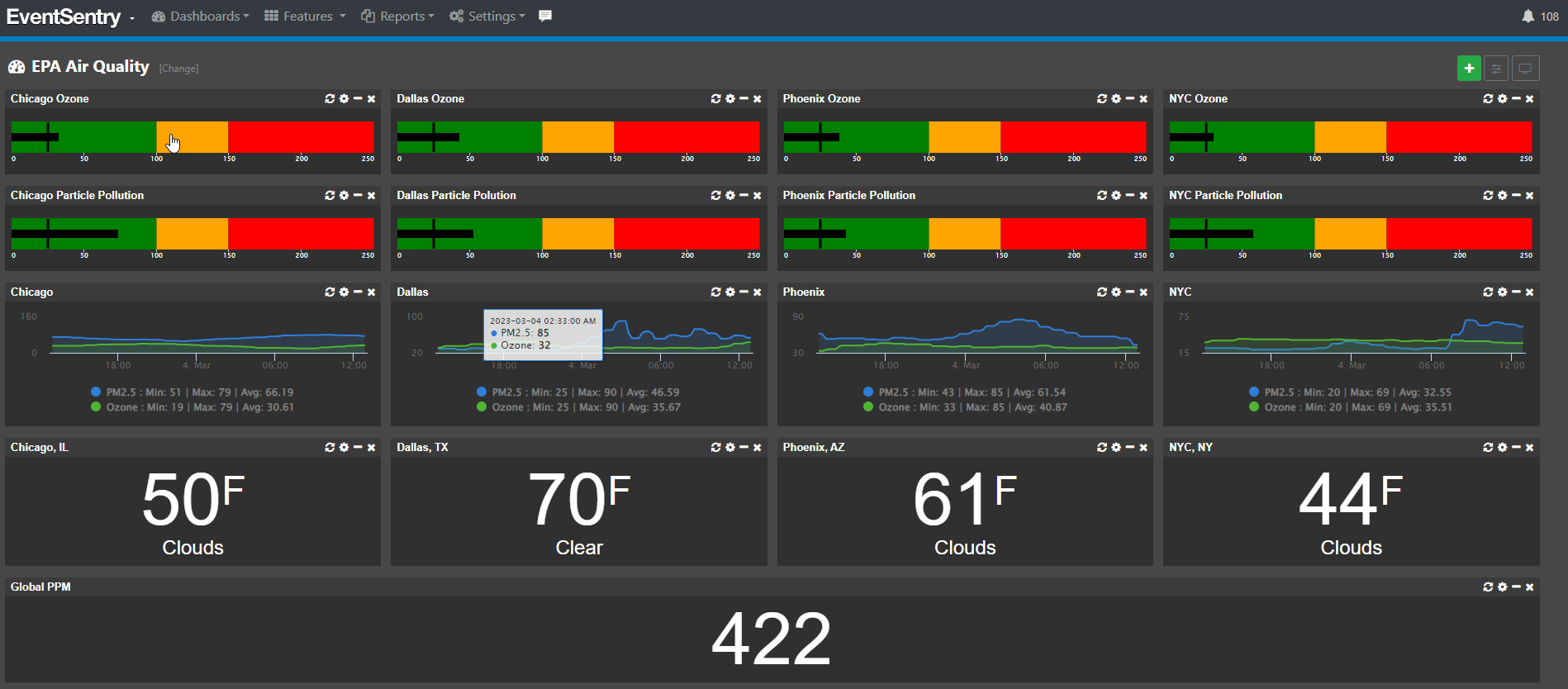
EventSentry offers a comprehensive, mobile-friendly web-based reporting system to access all data collected by the EventSentry agents. With the web reports you can search through historical data, review trends, access inventory, view powerful dashboards and much more.
The web reports can be localized and support the following languages:
- English (default)
- Deutsch
- Español
Authentication
The built-in authentication allows you to create users and groups and assign granular permissions to them. This makes it possible to give unprivileged users access to the web reports by only giving them access to pages that do not contain sensitive information. Additionally, permissions can be assigned to computer objects, so that users only have access to information generated by certain computers. This makes it easy and secure to setup a customer portal for providers of hosted monitoring services.
Furthermore, the built-in authentication allows users to maintain their customized settings for the web reports, which will be retained for future sessions.
Multi-Tenancy Monitoring
The web reports support multiple tenants through profiles and its granular access control system. Ideal for large IT teams and MSPs, isolated profiles separate the collected data and give users access to only the data they need and should to see.
Reports
Any query in the web reports (with the exception of some dashboards) can be saved and scheduled as a report. Reports can then be emailed on configurable intervals in HTML, PDF or CSV format.
The following advanced features are available for reports:
- Categories for organizing large amounts of reports
- Associate and adjust user accounts with a report
- Require reports to be reviewed over a certain time period
- Report history
 Event Log Monitoring
 Reporting
 Health Monitoring
 Compliance
 ADMonitor
 Management
 Log File Monitoring
 Network Monitoring
 Environment
 Notifications
 Log Consolidation
 Full Feature List