EventSentry Screencasts
Free Webinar: Top 6 Things You Can Only Get By Monitoring Workstations
from event log expert Randy Franklin Smith
Domain controllers and member servers are obviously critical to security log monitoring but there are many things you can only track by monitoring end-user workstation security logs.
In this webinar, Randy will explain why the Windows network architecture makes workstation security log monitoring so important. Randy will show you why you need to monitor workstation logs if knowing what your users are doing is really important.
Remember, insider threats account for more security related losses than external intruders. Randy will paint the big picture and then reveal specific event IDs you should look for to track end-user activity such as program execution, software installation and the only way to accurately determine when a user logged off their workstation.
Installation
Walks you through a typical EventSentry installation and explores the different configuration options available during the setup.
Management Console Overview
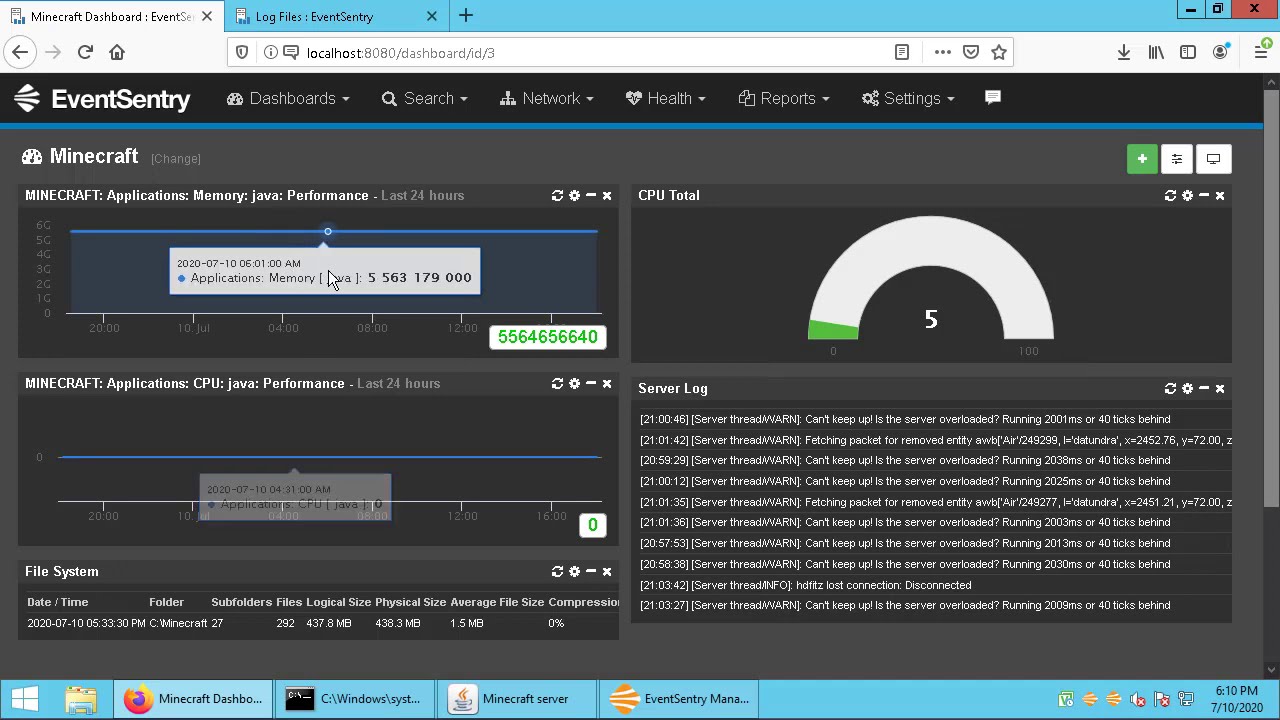
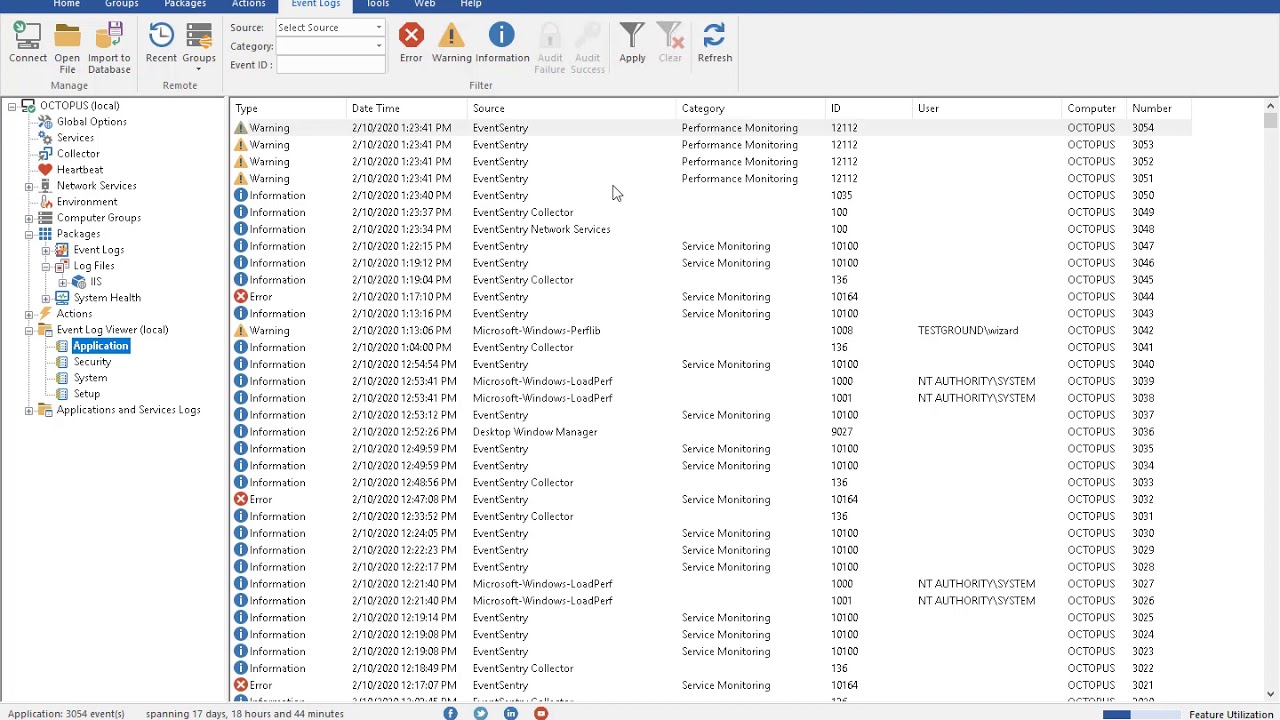
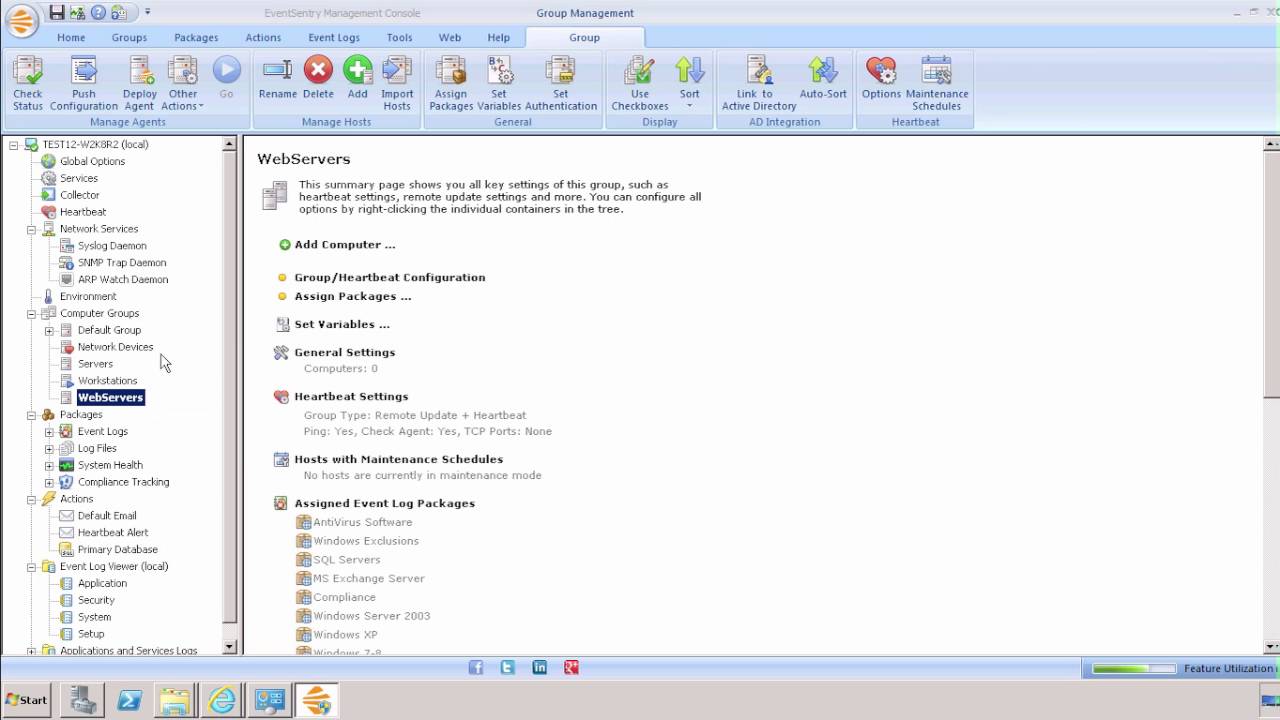
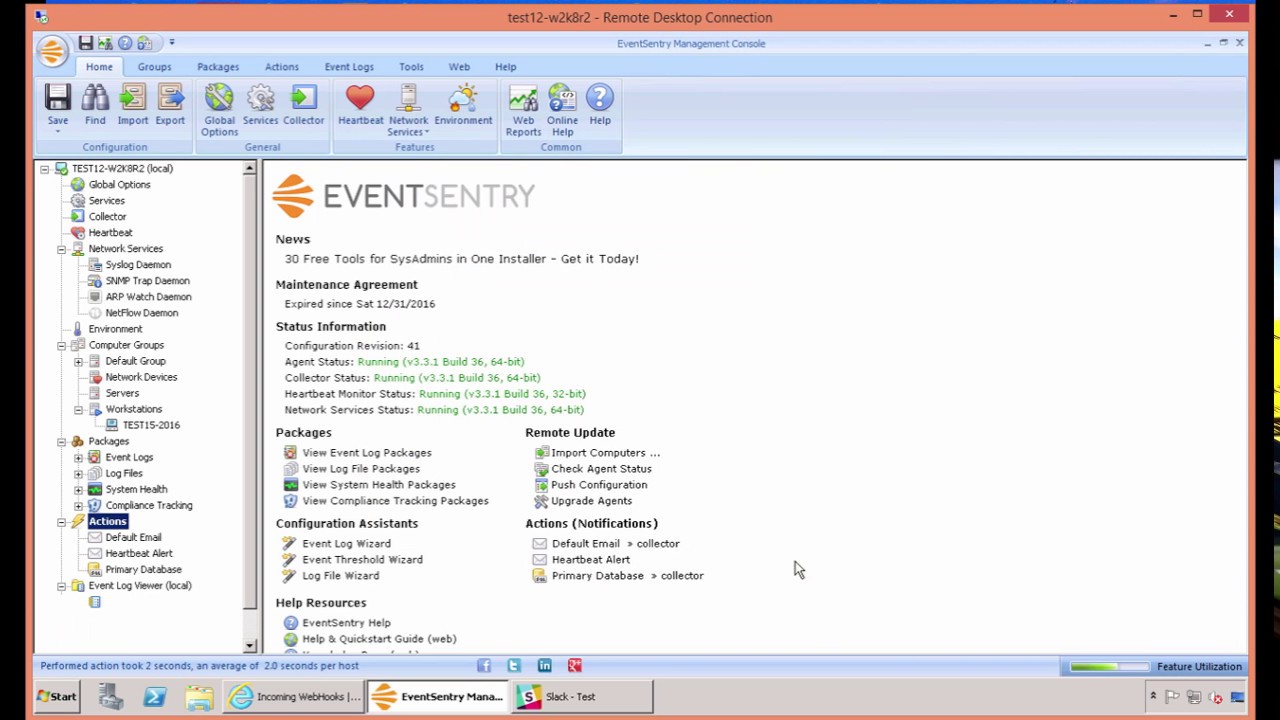
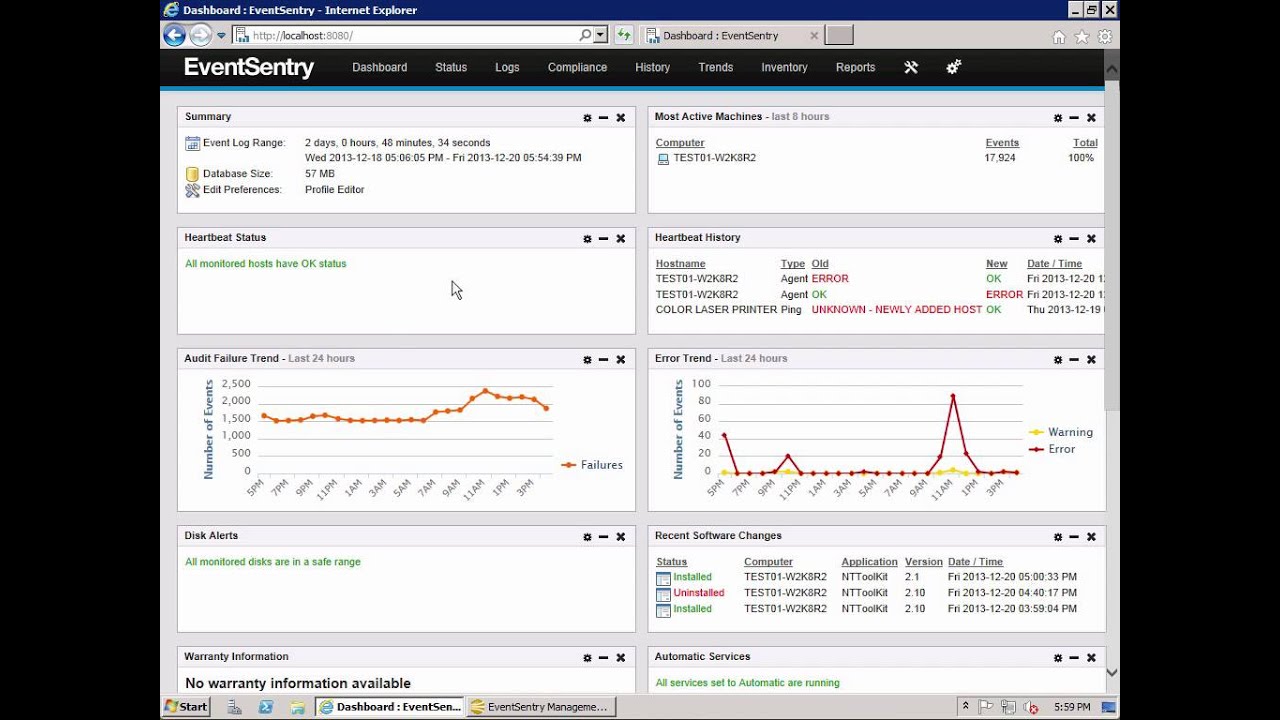
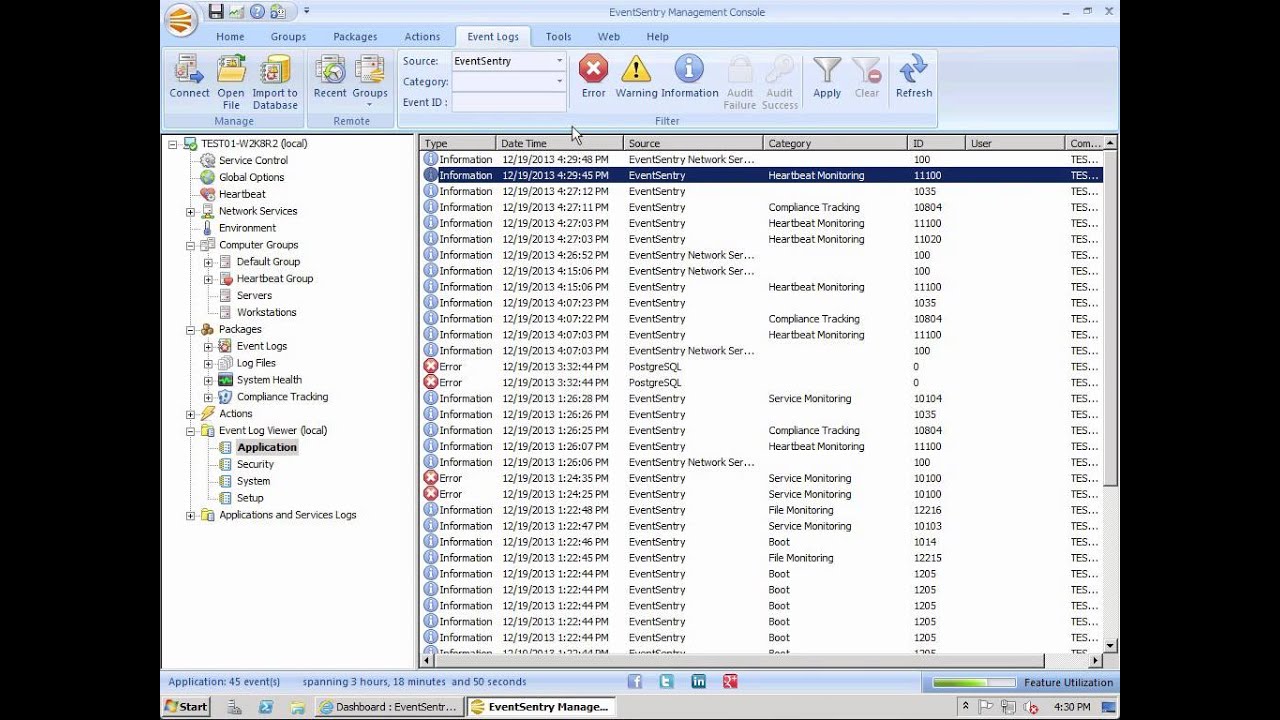
Explores the layout of the management console and explains how to configure the available monitoring options (including groups, filters, health objects and notifications) from a high level.
Event log Monitoring using Filter Packages
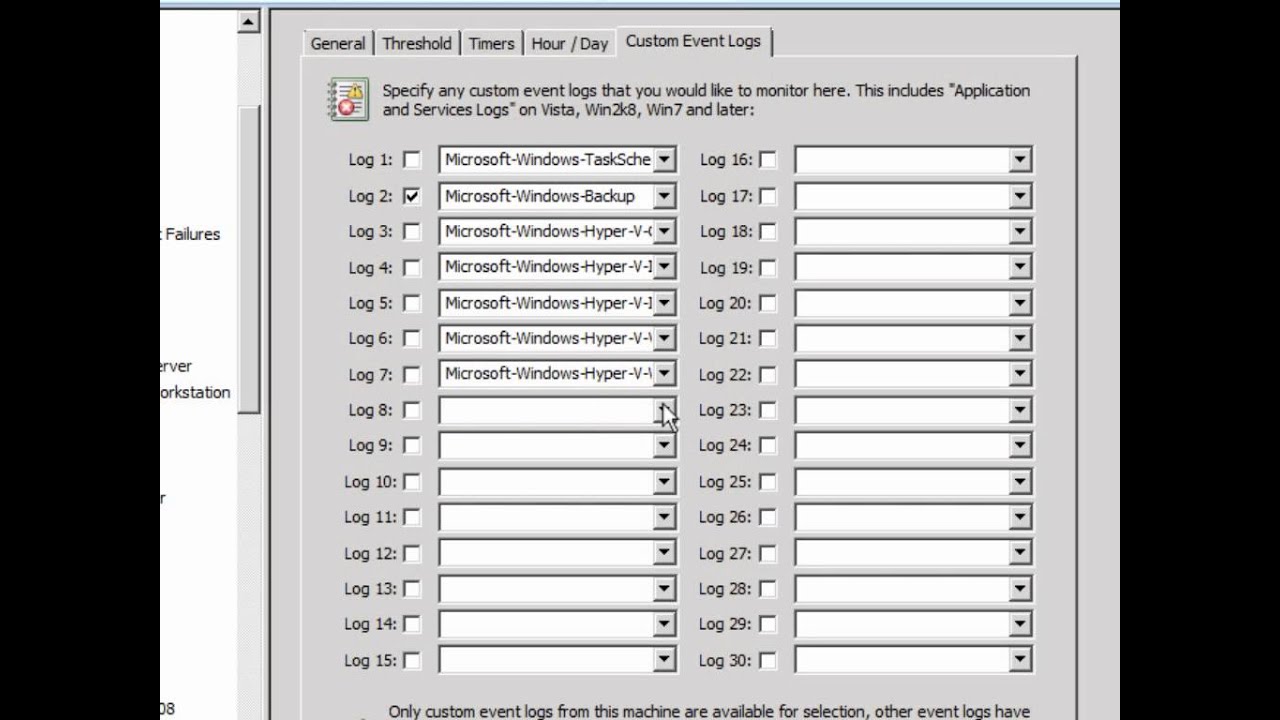
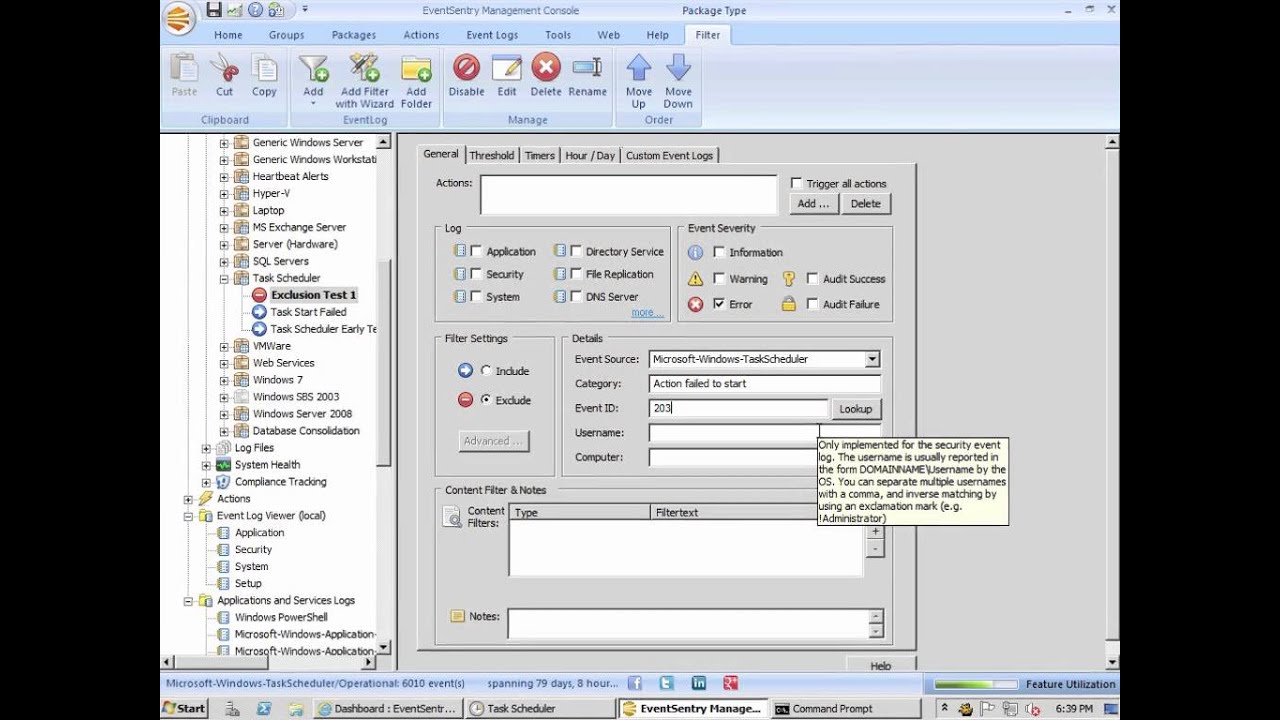
Shows how to configure EventSentry's filters to forward events to a notifications (e.g. email) or how to consolidate events into a database. The screencast also explains how to exclude unwanted events.
Disk Space Monitoring
An in-depth look into EventSentry's Disk Space Monitoring. Explains how to configure disk space monitoring and how to use the Web Reports to view various disk reports, such as disk space trends and disk space status reports.
Heartbeat Monitoring
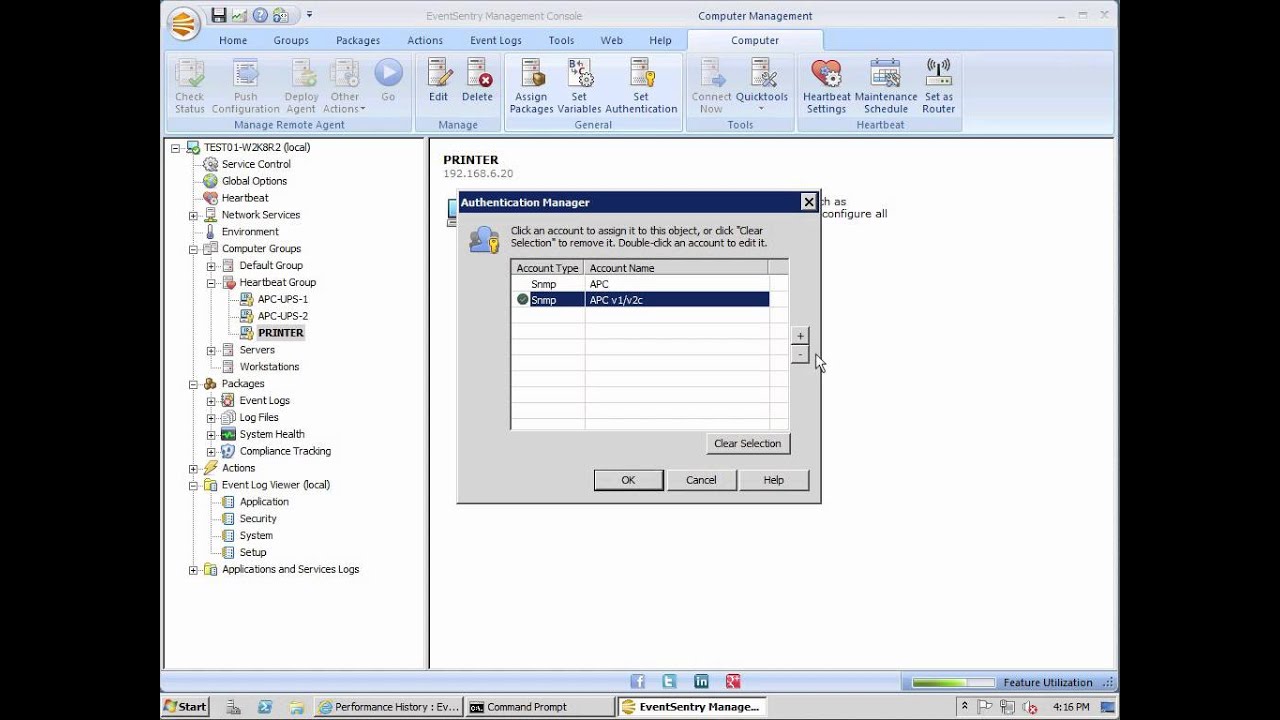
Shows how to configure heartbeat monitoring to monitor the uptime of remote hosts and/or TCP-based services. The screencast also explains how to setup advanced features such as WAN-options and maintenance schedules.
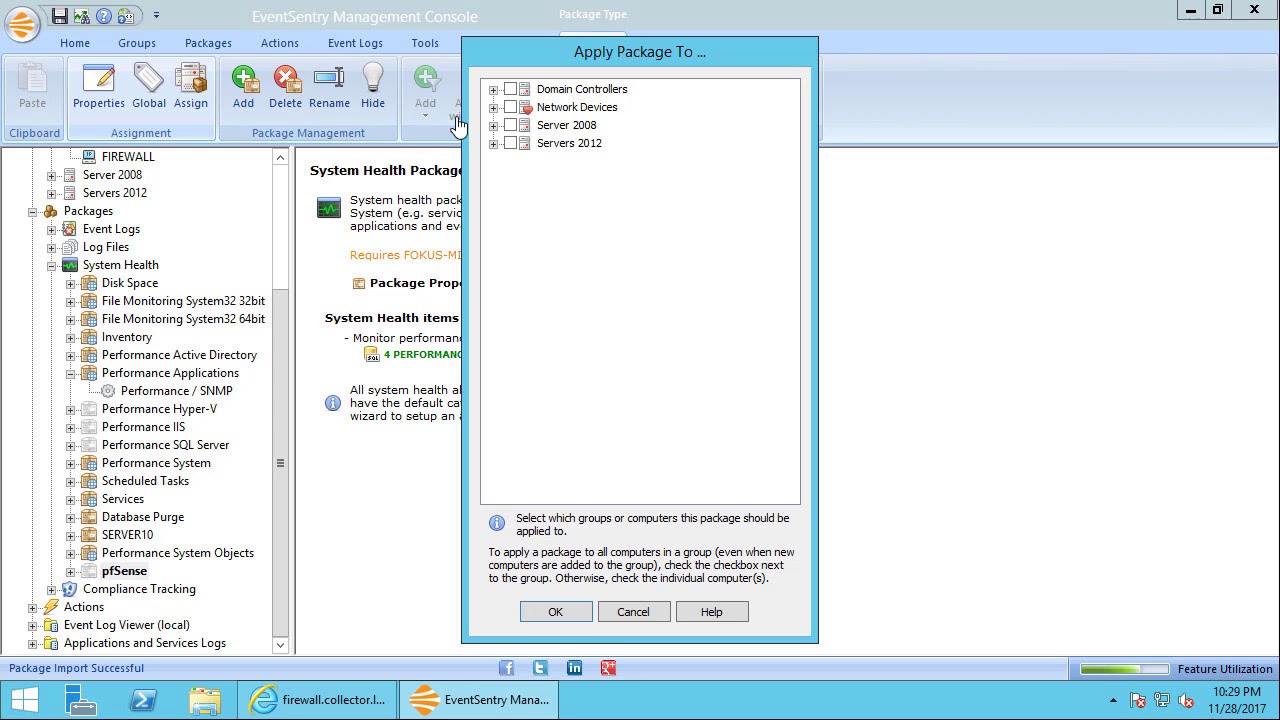
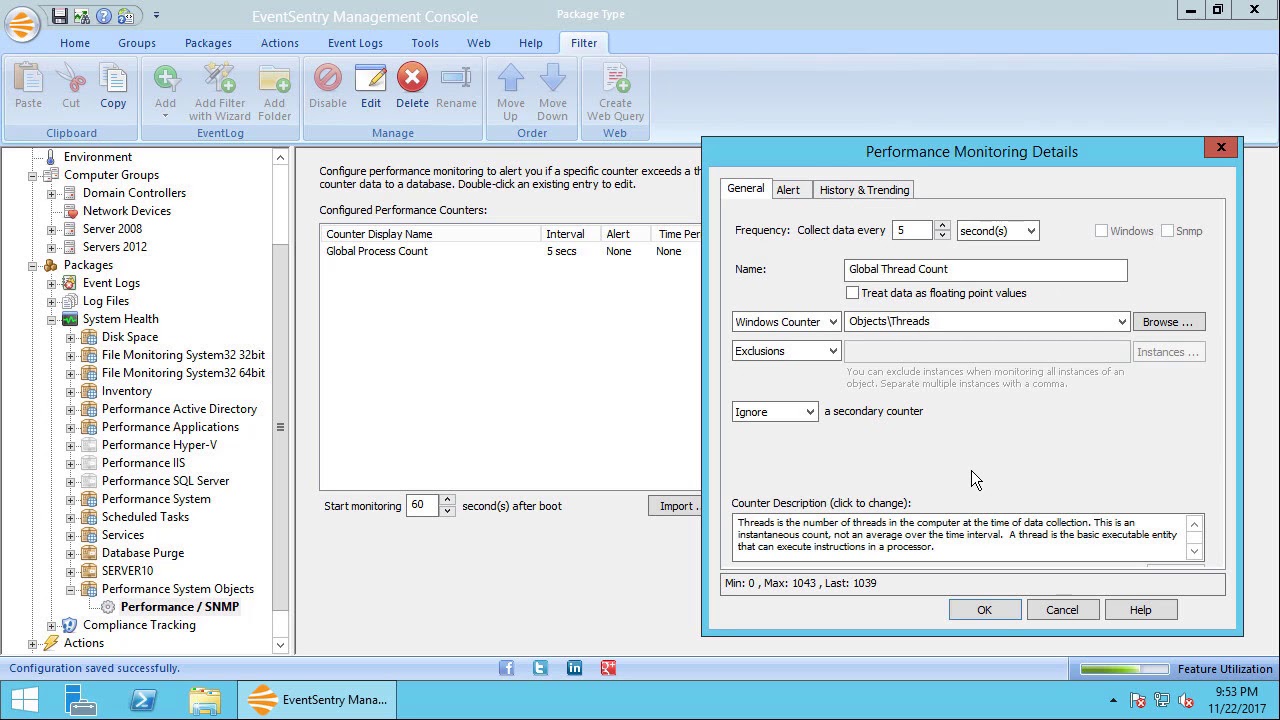
Performance Monitoring
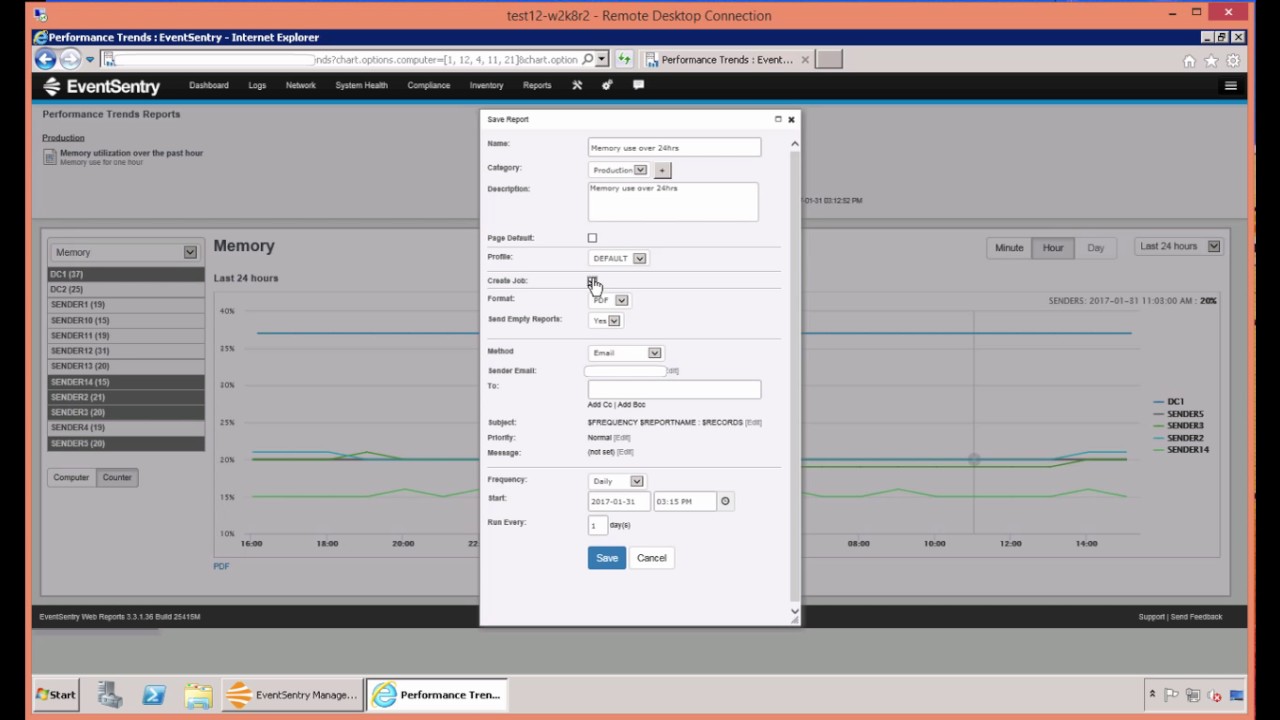
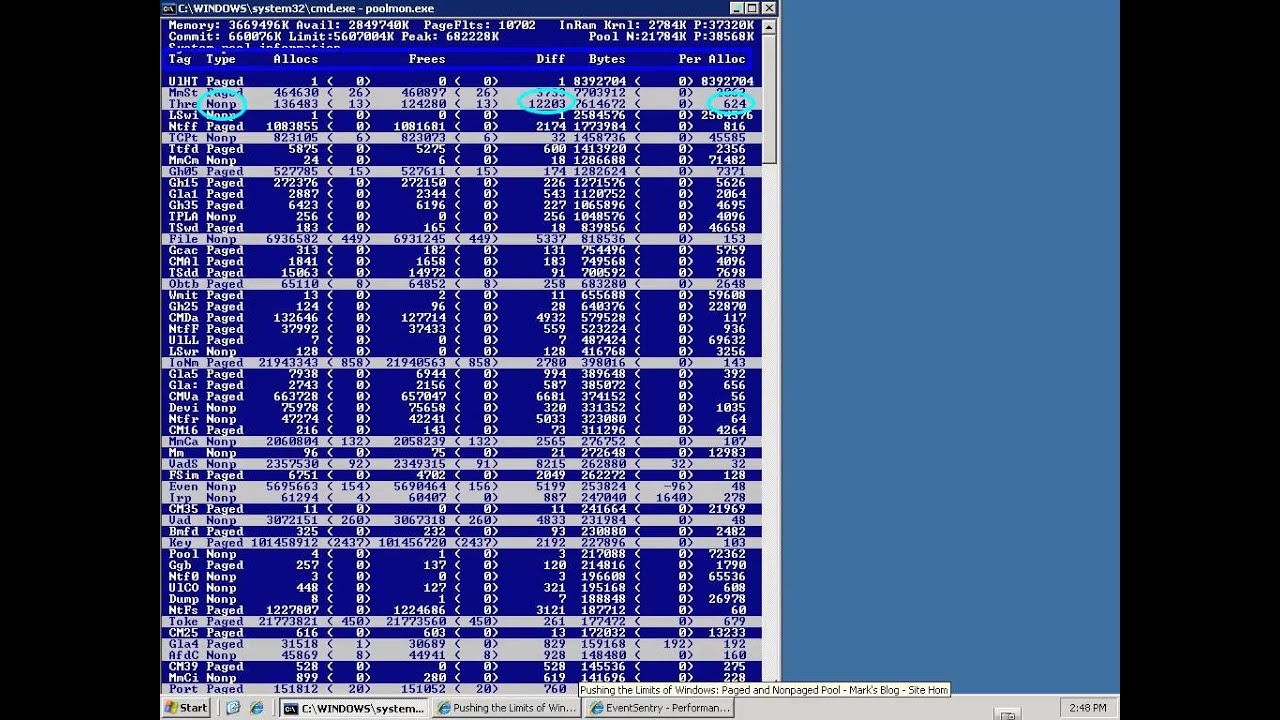
The screencasts in this chapter first show you how to monitor any Windows performance counters to create alerts and consolidate performance data in the EventSentry database. The last tutorial explains how to use the
web interface to create various reports about performance data.
Service and Process Monitoring
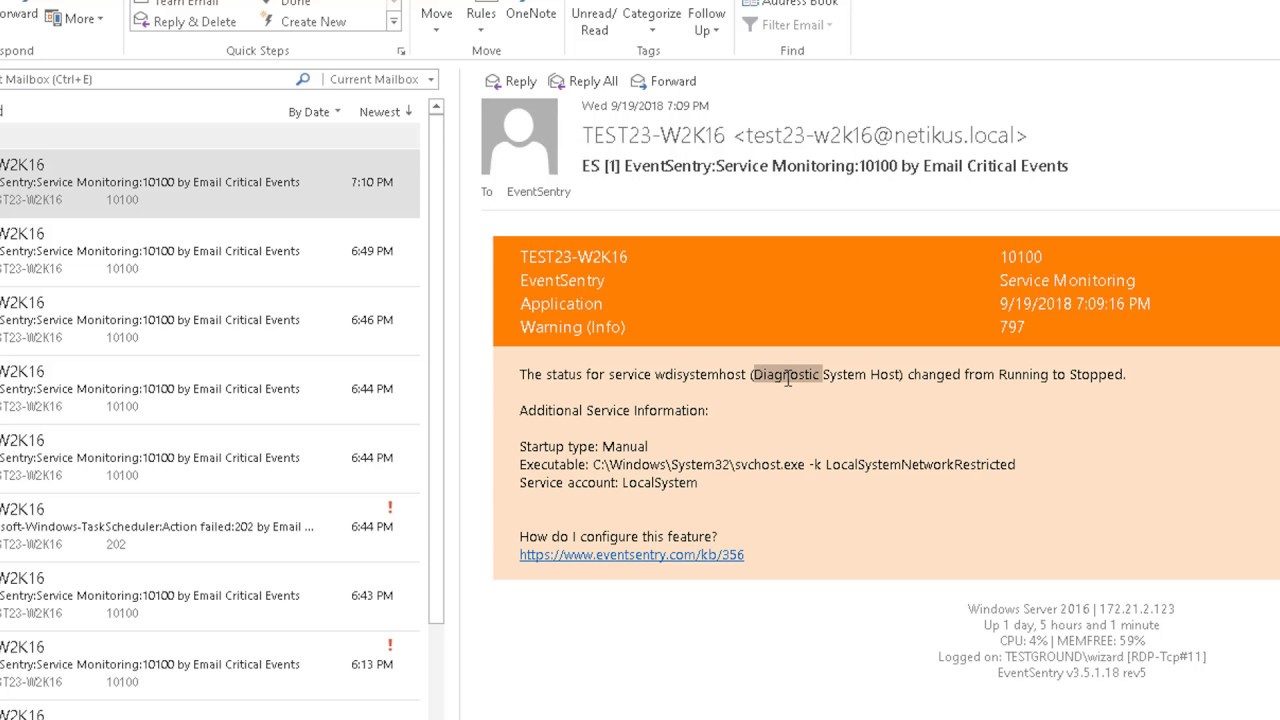
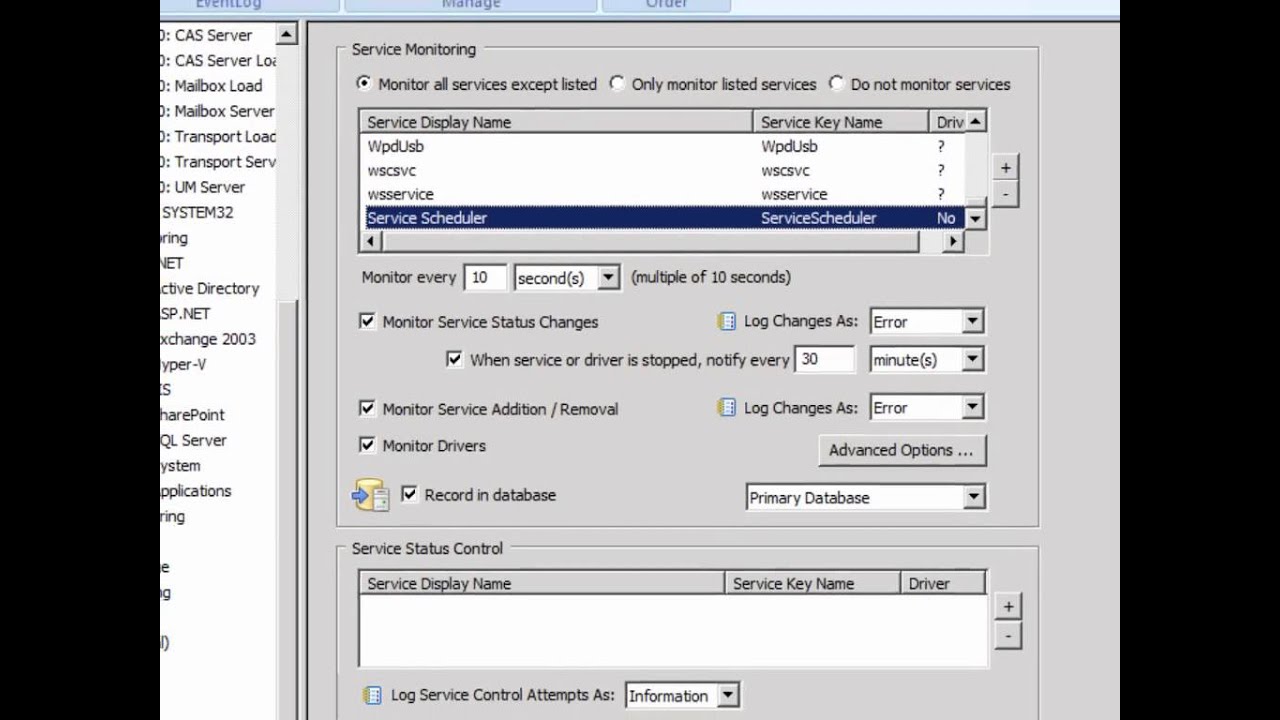
Describes how to monitor Windows services and drivers to create alerts, and also points out how to track service status changes in the EventSentry database. The tutorials also explain how to monitor processes on a system.
Tracking
An in-depth look in to EventSentry's Tracking features that let you track Windows Processes, user logons and print jobs.
File Monitoring
NEW!
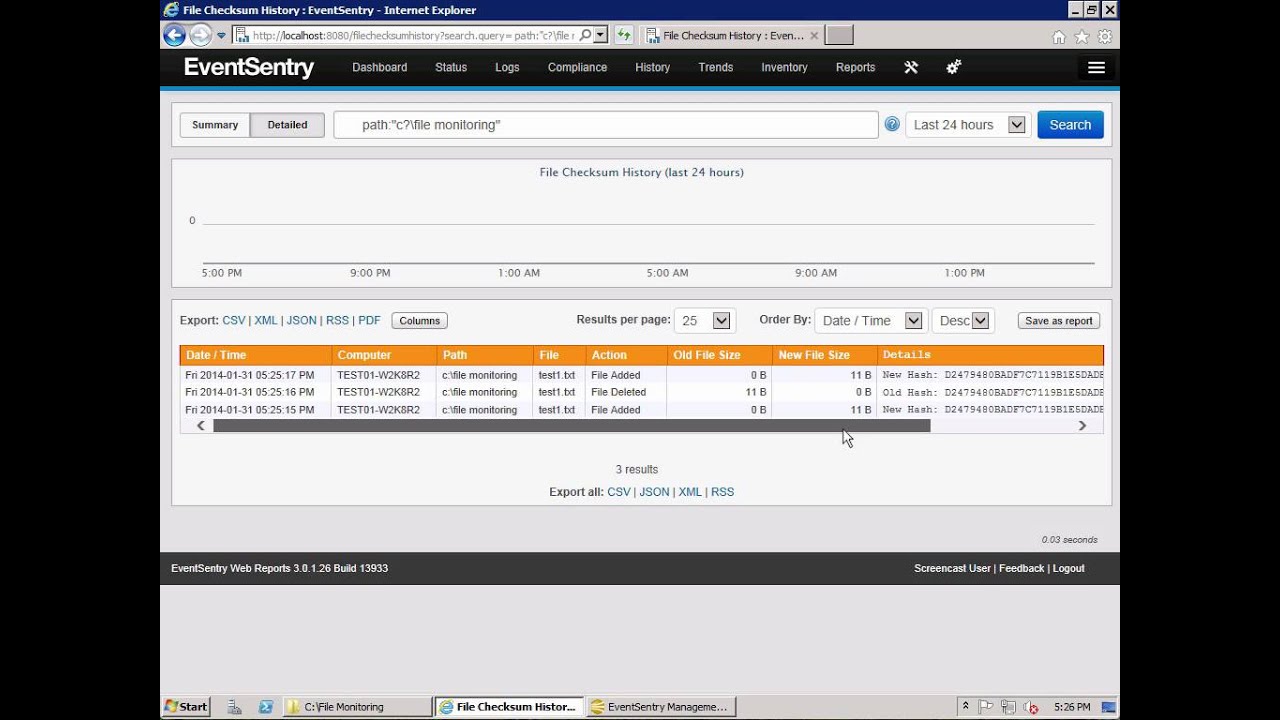
Provides a detailed overview of File monitoring in EventSentry. Walks you through how to configure monitoring for checksum changes, file additions and file deletions.
Log File Monitoring
NEW!
A look into how to configure EventSentry to monitor your critical log files. Discusses the differences between Simple and Delimited log files and how EventSentry can be used in either case.
Nessus
NEW!
Vulnerability scanning is an absolute must, and this screencast will show you how to completely automate this process using Nessus(c) and EventSentry. The screencasts covers the installation and configuration of Nessus, how to integrate Nessus into the EventSentry Reporting interface and conclude by showing you how to automate vulnerability scanning using the Windows Task Scheduler.
Event Log Backups
NEW!
Backing up event logs in their native .evt format can increase security on your network, especially when used in combination with database consolidation. Learn how to setup centralized event log backups with minimal effort, including how to setup a secure centralized file share with minimal effort. The screencast also points out how to avoid common pitfalls with security permissions.